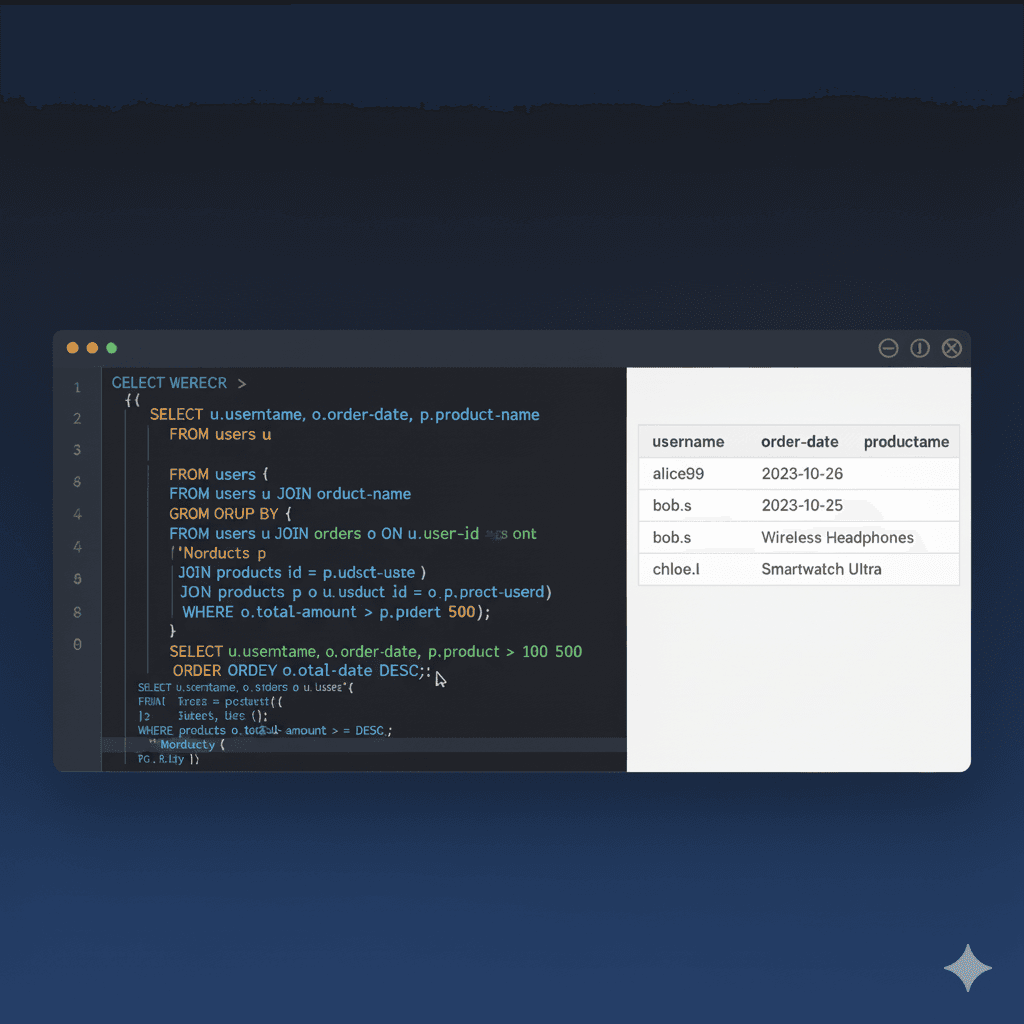
Online SQL Editor Free: Run & Practice SQL Queries in Your Browser (2026)

Online SQL Editor: Run SQL Queries Free in Your Browser
Need to test a query, prototype a schema, or practice SQL fundamentals? An online SQL editor lets you write and execute SQL directly in your browser — no database server, no installation, no configuration. Just open the page and start querying.
tools-online.app provides two free SQL editors that cover everything from beginner SELECT statements to advanced PostgreSQL window functions. Both run entirely client-side, so your data stays on your device.
Why Use an Online SQL Editor?
Setting up a local database environment means installing a server, configuring connections, creating users, and managing storage. An online SQL editor removes all of that friction:
- Zero setup — no downloads, no admin permissions, no PATH configuration
- Instant execution — write a query and see results in milliseconds
- Cross-device — switch between laptop, tablet, and phone without syncing
- Privacy-first — WebAssembly-powered engines process everything locally
- Always current — latest SQL features without manual updates
Whether you are a student learning JOINs, a developer debugging a query, or an analyst testing aggregations, a browser-based SQL editor gets you from idea to results in seconds.
Start Writing SQL Now
Run queries instantly with syntax highlighting, sample databases, and AI assistance — no account or installation required.
Two SQL Editors for Every Use Case
tools-online.app offers two purpose-built editors so you can choose the right engine for your task.
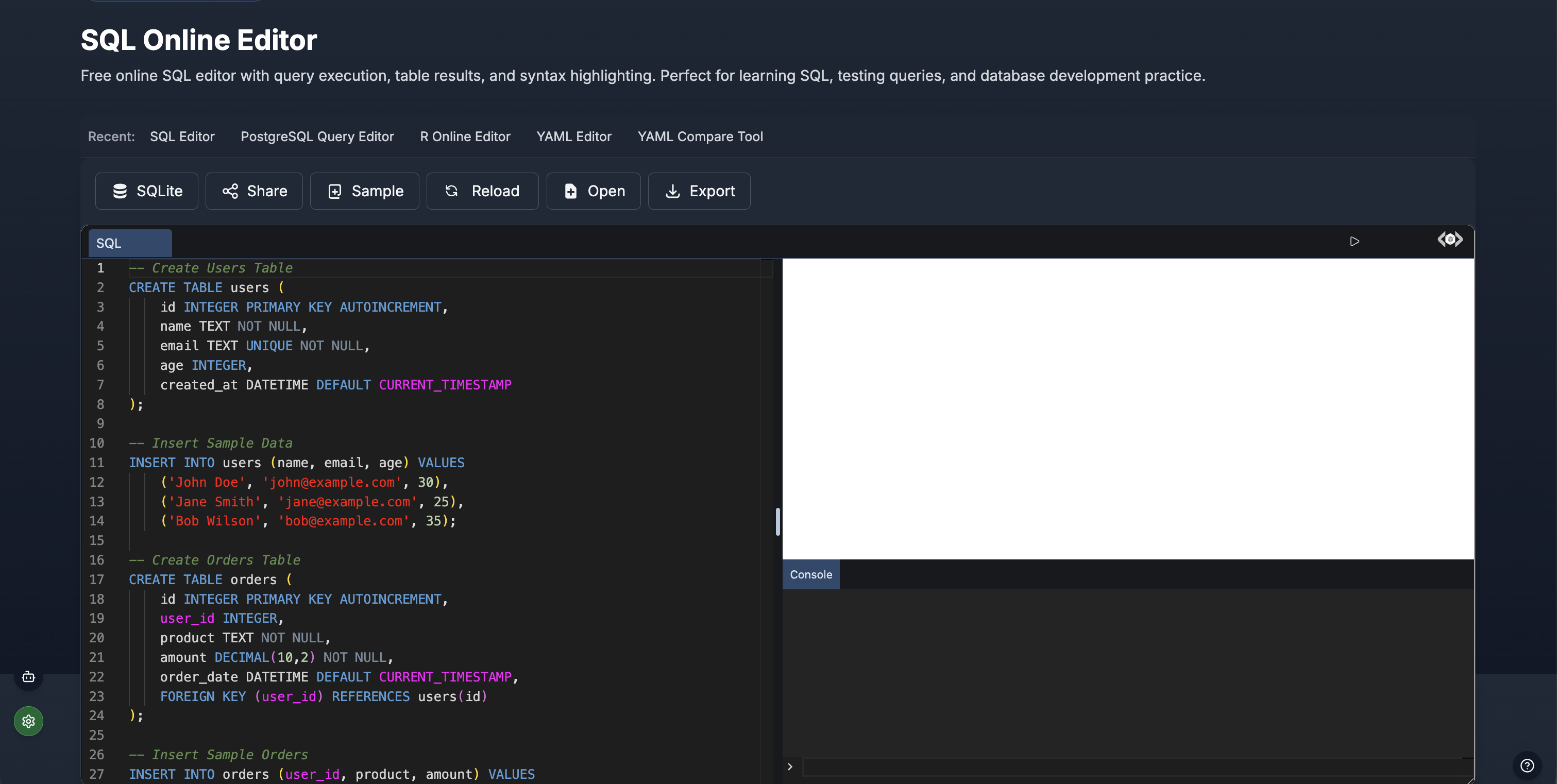
SQL Editor (SQLite)
The SQL Editor is optimized for quick queries, learning, and lightweight data work.
Core capabilities:
- SQLite engine — full SQL support running in your browser via WebAssembly
- Instant results — query output displayed in formatted, sortable tables
- Sample databases — pre-loaded tables for practice without your own data
- Query history — reuse and reference previous queries across sessions
- CSV import — upload spreadsheet data and query it with SQL
- Error detection — clear messages with line numbers for fast debugging
- Export — download queries and result sets for documentation
Best for: Learning SQL, quick data exploration, CSV analysis, interview preparation, and prototyping schemas.
PostgreSQL Editor (PGlite)
The PostgreSQL Editor delivers a full PostgreSQL 16+ environment powered by PGlite.
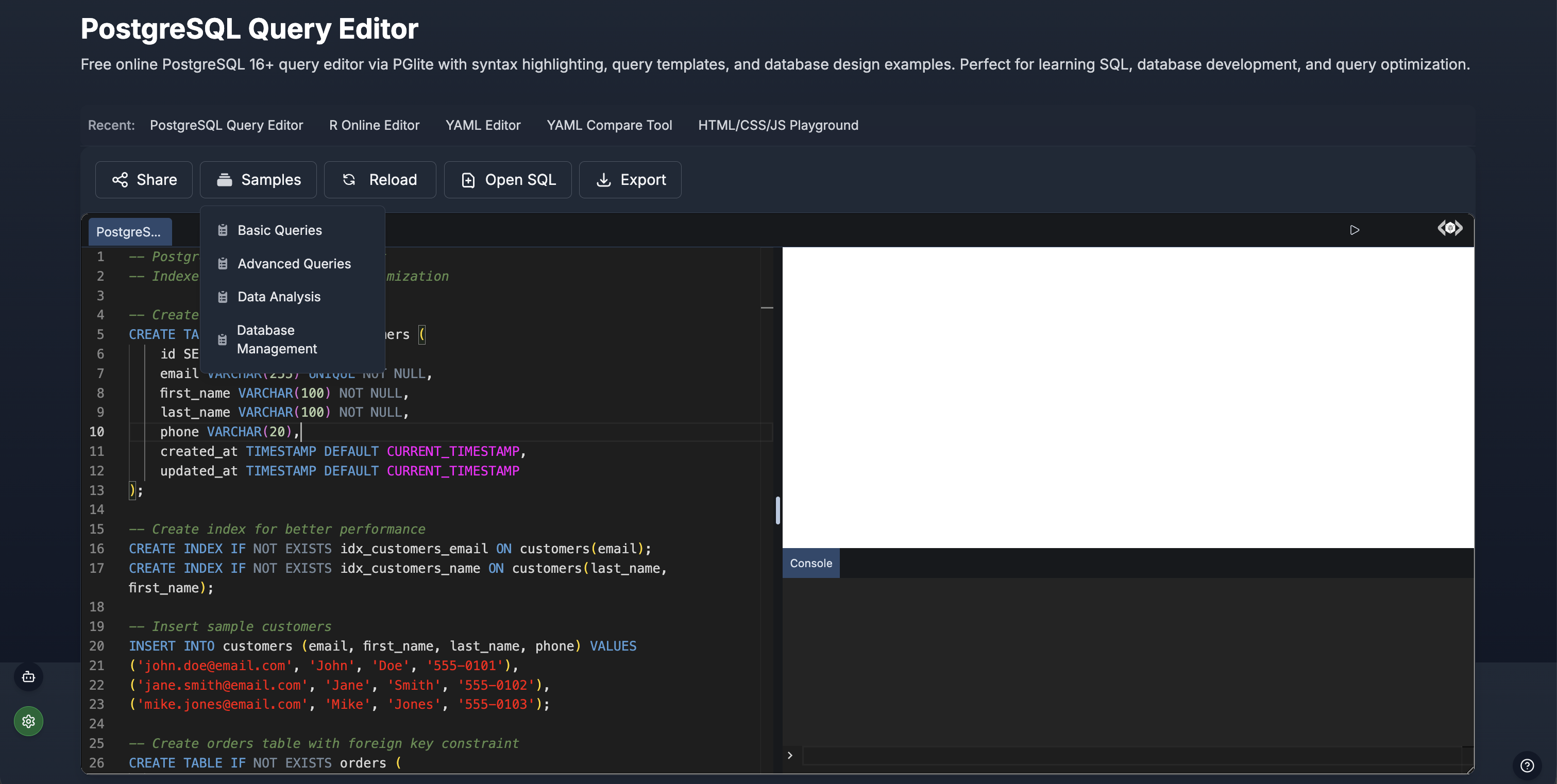
Advanced capabilities:
- PostgreSQL 16+ — window functions, CTEs, JSON/JSONB operators, array types
- PGlite execution — real PostgreSQL running locally via WebAssembly
- Query templates — pre-built samples for basic, advanced, analytics, and DDL operations
- Share links — generate URLs with your query for team collaboration
- Syntax highlighting — color-coded keywords, functions, strings, and comments
- Console output — execution time, row counts, and detailed error messages
Best for: Production-quality SQL development, advanced analytics, window functions, JSON processing, and team collaboration.
Which Editor Should You Choose?
| Feature | SQL Editor (SQLite) | PostgreSQL Editor |
| Engine | SQLite | PostgreSQL 16+ |
| Setup time | Instant | Instant |
| Window functions | Limited | Full support |
| JSON operators | Basic | JSONB, path queries |
| CTEs | Supported | Full recursive CTEs |
| Templates | Sample databases | 4 template categories |
| Sharing | Export files | Shareable URLs |
| Best for | Learning, quick queries | Advanced development |
Getting Started: Your First Query in 60 Seconds
Step 1: Open the Editor
Navigate to the SQL Editor for SQLite or the PostgreSQL Editor for PostgreSQL.
Step 2: Load Sample Data (Optional)
Click Samples to load a pre-built database, or create your own table:
CREATE TABLE IF NOT EXISTS products (
    id INTEGER PRIMARY KEY,
    name TEXT NOT NULL,
    category TEXT,
    price DECIMAL(10,2),
    stock INTEGER DEFAULT 0
);

INSERT INTO products (name, category, price, stock) VALUES
('Wireless Keyboard', 'Electronics', 49.99, 150),
('Standing Desk', 'Furniture', 399.00, 42),
('USB-C Hub', 'Electronics', 29.99, 300),
('Monitor Arm', 'Furniture', 89.99, 85),
('Mechanical Keyboard', 'Electronics', 129.99, 67);
Step 3: Run Your Query
Write a query and click Run (or press the run shortcut):
SELECT category, COUNT(*) AS item_count, AVG(price) AS avg_price
FROM products
GROUP BY category
ORDER BY avg_price DESC;
Results appear instantly in a formatted table below the editor.
Step 4: Iterate and Explore
Add filters, joins, and aggregations. Use query history to revisit previous attempts, and export results when you are ready.
AI-Powered SQL Assistance
The built-in AI assistant transforms how you write SQL. Instead of memorizing syntax, describe what you need in plain English.
Setup (one-time):
- Click the Settings icon (lower-left corner)
- Add your API key from AIML API
- Open AI Chat and select Generate mode
What the AI can do:
- Generate queries — "Find the top 5 customers by total order value with their most recent order date"
- Debug errors — paste a failing query and the AI explains the issue and provides a fix
- Design schemas — "Create a normalized schema for a project management app with users, projects, tasks, and comments"
- Optimize performance — "Suggest indexes for this slow JOIN query"
- Explain queries — paste complex SQL and get a plain-English breakdown of each clause
This makes the editor equally powerful for SQL beginners learning syntax and experienced developers accelerating their workflow.
Common SQL Patterns You Can Practice
Filtering and Sorting
SELECT name, price
FROM products
WHERE category = 'Electronics' AND price < 100
ORDER BY price ASC;
Multi-Table JOINs
SELECT
    c.name AS customer,
    COUNT(o.id) AS total_orders,
    SUM(o.amount) AS lifetime_value
FROM customers c
INNER JOIN orders o ON c.id = o.customer_id
GROUP BY c.id, c.name
HAVING SUM(o.amount) > 500
ORDER BY lifetime_value DESC;
Window Functions (PostgreSQL)
SELECT
    name,
    department,
    salary,
    RANK() OVER (PARTITION BY department ORDER BY salary DESC) AS dept_rank,
    salary - AVG(salary) OVER (PARTITION BY department) AS diff_from_avg
FROM employees;
Common Table Expressions (CTEs)
WITH monthly_sales AS (
    SELECT
        DATE_TRUNC('month', order_date) AS month,
        SUM(amount) AS revenue
    FROM orders
    GROUP BY DATE_TRUNC('month', order_date)
)
SELECT
    month,
    revenue,
    LAG(revenue) OVER (ORDER BY month) AS prev_month,
    ROUND((revenue - LAG(revenue) OVER (ORDER BY month))
        / LAG(revenue) OVER (ORDER BY month) * 100, 1) AS growth_pct
FROM monthly_sales
ORDER BY month;
Subqueries
SELECT name, salary
FROM employees
WHERE salary > (
    SELECT AVG(salary) FROM employees
)
ORDER BY salary DESC;
Who Uses Online SQL Editors?
Students and Learners
Practice SQL fundamentals — SELECT, WHERE, JOIN, GROUP BY — without configuring a database. Sample databases provide realistic data for exercises and coursework.
Backend Developers
Prototype queries and test edge cases before embedding SQL in application code. Share query links with teammates during code reviews.
Data Analysts
Explore CSV datasets with SQL instead of spreadsheet formulas. Run aggregations, pivots, and window functions for quick insights.
Database Administrators
Test DDL statements, validate migration scripts, and experiment with index strategies in a safe sandbox environment.
Interview Candidates
Practice common SQL interview patterns — self-joins, ranking functions, date manipulation — in a realistic editor environment.
Online SQL Editor vs Desktop Tools
| Criteria | Browser SQL Editor | Desktop Tools (DBeaver, DataGrip) |
| Installation | None | 200-500 MB download |
| Cost | Free | Free (DBeaver) / $199+/yr (DataGrip) |
| Setup time | 0 seconds | 10-30 minutes |
| Multi-device | Any browser | Per-device install |
| Updates | Automatic | Manual downloads |
| Connection management | Built-in engine | Multiple server connections |
| ER diagrams | Not available | Available |
| Privacy | Data stays local | Data stays local |
| Offline support | Limited | Full |
| Best for | Quick queries, learning, prototyping | Production database management |
When to use a browser editor: quick tests, learning, sharing queries, no-install environments, lightweight analysis.
When to use a desktop tool: managing production databases, complex multi-schema work, ER modeling, long-running queries.
Tips for Getting the Most Out of the SQL Editor
- Use query templates — load sample databases to practice without creating your own data
- Leverage AI assistance — describe what you need in plain English instead of struggling with syntax
- Save with Share links — generate URLs to bookmark useful queries or send to teammates
- Track query history — revisit and iterate on previous queries without retyping
- Start simple, build up — begin with a basic SELECT, then add JOINs, filters, and aggregations incrementally
- Use the PostgreSQL editor for advanced work — window functions, CTEs, and JSONB operators require PostgreSQL
- Export results — download query output for reports, documentation, or further analysis
Related SQL and Database Resources
SQL Tools on tools-online.app:
- SQL Editor (SQLite) — Lightweight query execution and learning
- PostgreSQL Editor — Advanced PostgreSQL 16+ development
- SQL Formatter Guide — Format and beautify SQL queries with best practices
- Code Compare Tool — Compare SQL script versions side by side
Browse by Category:
- Online Code Tools — 15+ programming language editors
- Online Data Tools — Database and data processing toolkit
FAQs
How do I run SQL queries online for free?
Visit tools-online.app/tools/sql for SQLite or tools-online.app/tools/postgres for PostgreSQL. Write your query, click Run, and view results instantly. Both editors are free with no account required.
What databases are supported?
The SQL Editor runs SQLite for lightweight queries and learning. The PostgreSQL Editor runs PostgreSQL 16+ via PGlite for advanced features including window functions, CTEs, JSONB operators, and recursive queries.
Is my data safe in a browser-based SQL editor?
Yes. Both editors use WebAssembly-powered database engines that run entirely in your browser. Your data never leaves your device or uploads to any server.
Can AI help me write SQL?
Yes. The built-in AI assistant generates queries from natural language, debugs errors, suggests optimizations, and designs schemas. Set up your API key once and use AI across all tools.
Do I need to create an account?
No. All SQL editor features are available without registration. Open the page and start writing queries immediately.
Can I import my own data?
Yes. Upload CSV files to create tables from your data, or use the pre-loaded sample databases for practice.
How do I share a query with someone?
Click the Share button to generate a unique URL. Anyone with the link can view your query with full syntax highlighting and formatting.
What is the difference between SQLite and PostgreSQL?
SQLite is lightweight and great for learning core SQL. PostgreSQL supports advanced features like window functions, JSON operators, CTEs, and custom types — ideal for production-quality development.
Run SQL Queries Online — Free
Write, execute, and share SQL with syntax highlighting, AI assistance, and sample databases. PostgreSQL and SQLite support — 100% free, 100% private, zero installation.